
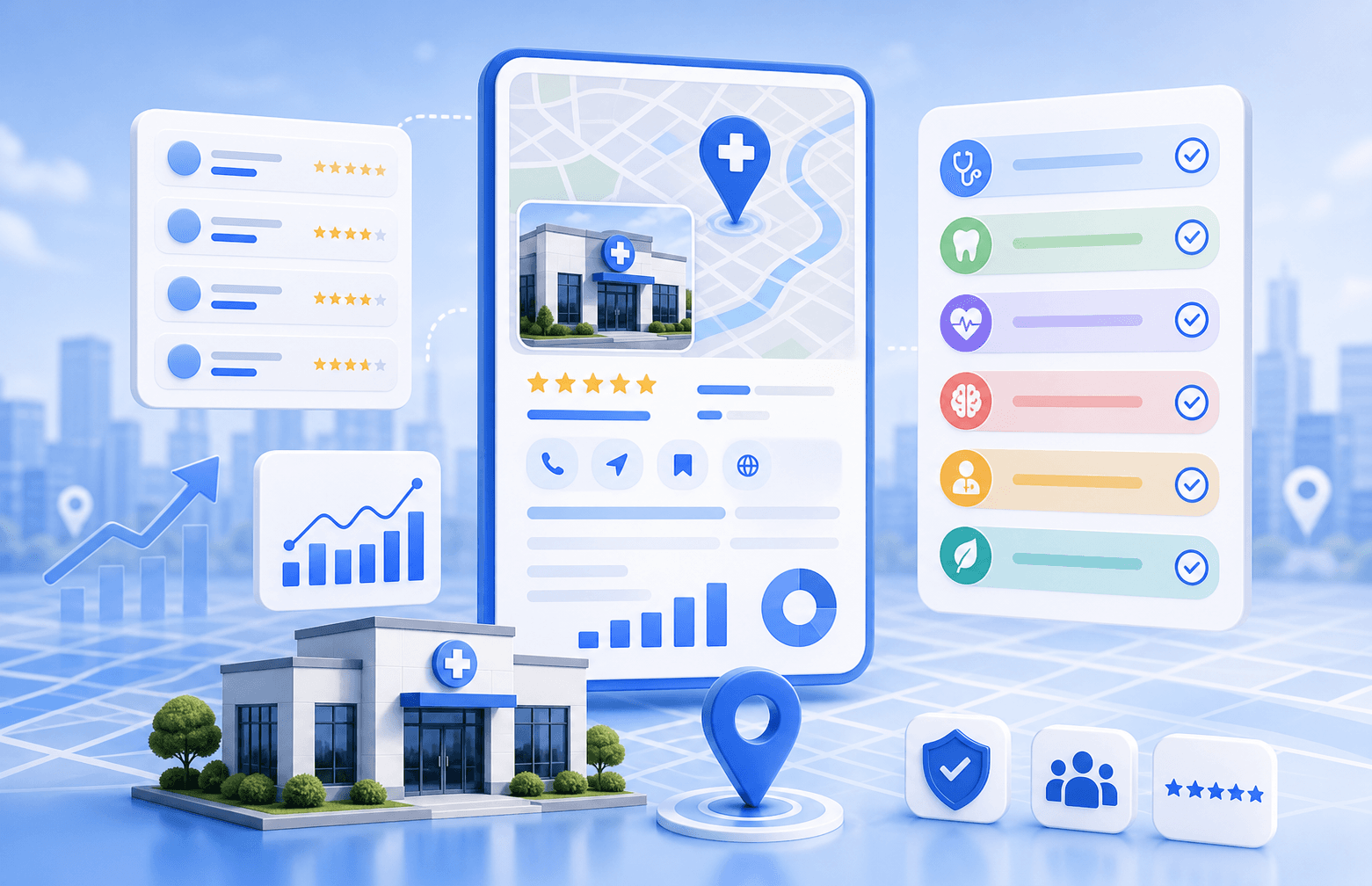
Google Maps is often the first trust checkpoint for local healthcare decisions.
If your clinic is not visible there, patients are more likely to choose the businesses that appear above you.
Choosing the right Google Business Profile categories is one of the easiest ways for clinics to strengthen local relevance, and one of the easiest ways to create ranking drag when done poorly.
Many clinics think category work means choosing one broad label and moving on. In practice, category decisions influence how clearly Google understands the clinic's main service focus, which local queries it considers relevant, and how the listing compares with nearby competitors.
Guide overview
What you'll work through in this guide
Why this matters for clinics
Category setup is one of the clearest relevance signals inside Google Business Profile.
What to check first
Before making tool or strategy decisions, review the local visibility system in this order:
Step-by-step workflow Curex recommends
Curex usually approaches category decisions by narrowing the primary relevance first and then adding only the secondary categories that support r...
That is why the best categories for a clinic are not always the broadest ones. They are the ones that match the real primary service offering and support the local searches the clinic actually wants to win.
Why this matters for clinics
Category setup is one of the clearest relevance signals inside Google Business Profile.
In recurring clinic visibility reviews, category drift is a common issue. A clinic may be using a generic category that hides its specialty focus, or it may be overloaded with weak secondary categories that do not reinforce a clear service identity.
That makes the listing harder to understand, and in competitive local markets, that confusion can turn into weaker rankings even when the rest of the profile looks reasonably complete.
The strongest teams usually evaluate this through a small set of operating questions:
- what the clinic's real primary service focus is
- which local searches the clinic most wants to rank for
- whether nearby competitors use stronger or more specialized category setups
- whether the clinic's website and GBP are reinforcing the same service identity
What to check first
Before making tool or strategy decisions, review the local visibility system in this order:
- Decide the one category that best reflects the clinic's core real-world service focus.
- Review whether the current secondary categories support real services or just add noise.
- Check how strong competitors categorize similar clinics in the same market.
- Make sure the website service pages and GBP categories are telling the same story.
Category work should clarify the clinic's identity, not make it broader and blurrier.
Step-by-step workflow Curex recommends
Curex usually approaches category decisions by narrowing the primary relevance first and then adding only the secondary categories that support real patient-intent coverage.
1Step 1: Choose the primary category by the clinic's strongest service identity+
The primary category should reflect the main offering the clinic truly wants to be known and found for, not the broadest possible healthcare term.
2Step 2: Use secondary categories to reinforce real service lines+
Secondary categories are useful when they support legitimate specialties or treatment areas. They become risky when used like keyword stuffing.
3Step 3: Review categories inside a broader profile-management workflow+
Category decisions work best when paired with GBP management software, service-page alignment, and careful change control. If the clinic already has compliance issues, the GBP reinstatement service may matter more than routine optimization.
Common mistakes to avoid
Mistake 1: Choosing the broadest category because it feels safer
A broad label can weaken specialty relevance and make the listing less competitive on the services that actually matter.
Mistake 2: Adding too many weak secondary categories
More categories do not always make the profile stronger. They often make the service identity less clear.
Mistake 3: Changing categories without checking the rest of the local system
If categories shift but the website, citations, and service descriptions do not reinforce the same focus, the clinic can create more inconsistency instead of better relevance.
When to use Curex tools or services
What to do next
Choose the right Curex path for the issue
Start here
Start with GBP Management Software
Use the scan when you need a quick read on whether the issue is visibility, listings consistency, or overall clinic SEO weakness.
ContinueOngoing optimization
GBP Reinstatement Service
Use software-led workflows when the listing is live but the clinic needs stronger control over GBP updates, local signals, and monitoring.
ContinueHigh-risk cleanup
GBP Management Software
Use the reinstatement path when suspension, verification failure, or policy-sensitive cleanup is part of the problem.
ContinueUse GBP management software if the clinic needs a cleaner process for category oversight, profile changes, and visibility maintenance.
Use the GBP reinstatement service if the profile is already in a higher-risk or recovery situation. And if address visibility is part of the setup decision, review the hidden-address GBP guide before making category changes in isolation.
Category decisions are strongest when they live inside a wider profile-governance workflow instead of one-off edits.
Final takeaway
The best Google Business Profile categories for clinics are the ones that make the clinic's real service focus easier for Google and patients to understand.
The goal is not to choose the most categories. It is to choose the clearest set of categories that supports the clinic's actual local ranking targets.
Methodology for Best Google Business Profile Categories for Clinics
Last reviewed May 11, 2026This article is grounded in reviewed guidance, local SEO workflows, and the source material linked below.

Next step for GBP visibility
Turn this clinic visibility diagnosis into a concrete next move
Use one clear workflow to confirm the issue, improve your Google Business Profile, or get help when the problem involves reinstatement, listings cleanup, or ongoing GBP management.
- Fast visibility scan for clinic locations
- GBP workflows built for local healthcare teams
- Support for rankings, listings, and reinstatement paths
Continue learning
Related Resources for Best Google Business Profile Categories for Clinics
Use these supporting resources to go deeper into the topic cluster without losing the thread of what you just learned.
Related Curex resources
Practical resources to keep moving
Foundational guides, tools, and service paths that support the next stage of implementation.
More from this topic
Continue exploring this cluster
Supporting reads that deepen the same topic without competing with the main CTA above.